Creator guide
Copyright and permissions for PsychVault creators
Before selling a psychology resource, consider two separate questions: what material you can include, and what you will allow buyers to do with the finished resource.
This guide is educational. If ownership or the terms for your intended use are unclear, seek advice from a copyright adviser or lawyer.

1. What can I include in a resource I sell?

Original material
Start with the text, worksheets and illustrations you have created. Check any material you drew on or incorporated too: one resource can involve more than one rights holder.
Work created as part of employment
Creating something yourself does not always settle who owns it. If you made it as part of your job, check your employment agreement, workplace policies and any agreement with your employer before selling it. Clarify uncertain rights in writing.
Third-party material
Attribution and permission are separate. Naming an author credits their work; it does not by itself establish permission for your use. Check whether an existing licence or written permission covers adaptation, commercial distribution and the copying or sharing you intend to allow buyers.
- Adapting a worksheet: check whether the terms cover changing it and selling your adapted version.
- An illustration in a paid PDF: check whether its licence covers commercial use and any printed or private digital client copies you want buyers to make.
- Questionnaire items or scoring instructions: check the publisher or rights holder's terms. Permission to administer a questionnaire may not cover reproducing its items, adapting them or selling its scoring instructions.
Keep copies of relevant licence terms and written permissions, with a note of which material and uses they cover. If you plan to rely on a copyright exception, get advice about whether it applies to your particular use.
2. What can buyers do with my resource?
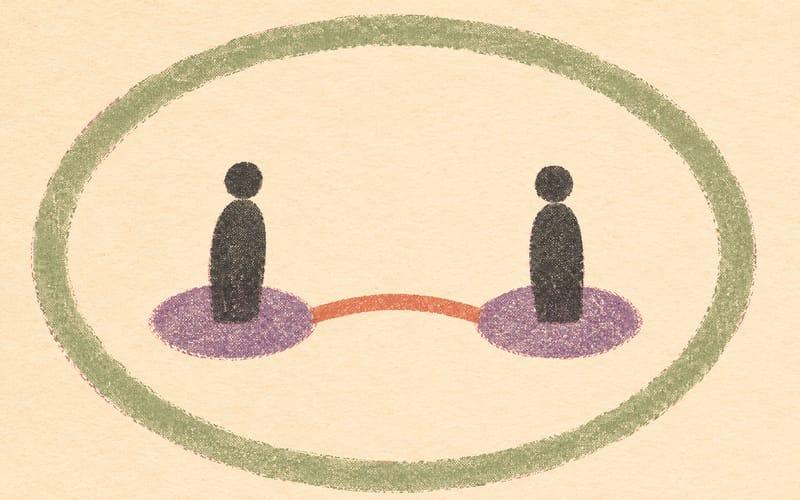
Use the existing Distribution permissions field in File and pricing to summarise the uses allowed by the licence included with your download. Buyers see this public summary on the listing. Keep the summary and included licence consistent with each other and with PsychVault's licence terms.
The optional Common permissions presets are editable starting points. For example:
- Individual practitioner and client use describes a buyer printing or privately sending copies to their own clients, while excluding colleague sharing, resale and public distribution.
- Printed client copies only describes printed copies for the buyer's own clients and excludes digital sharing.
- Personal use only excludes sharing with clients, colleagues or organisations.
Use wording only where you have the rights to offer those uses. Selecting a preset does not obtain third-party permission or replace your included licence. For an independent creator's resource, buyers should not assume client copying is allowed when permission is not stated.
Your summary can be up to 300 characters. State the main allowed uses and restrictions clearly; put the full terms in the included licence. Review both if you change your resource or the permissions you offer.
Pre-publish checklist
- Check ownership of original and employment-related material.
- Check third-party terms for your adaptations, paid distribution and intended buyer copying or sharing.
- Keep relevant licences and written permissions, and include any required attribution.
- Include a licence with the download and make the listing's Distribution permissions summary consistent with it and PsychVault's terms.
Where to learn more
- Australian Copyright Council webinars and events
Check the Council's current event information for topics and booking details.
- Attorney-General's Department: using copyright material
Information about permission, licences and other ways a use may be covered.
- Attorney-General's Department: copyright owners
Information about ownership, rights and licensing.